

Download Scarlett – agenda, calendars, business management, reporting, professional interventions, activity management, customizable, offline functionality, digital signatures, API integration, knowledge base
Overview
Scarlett is a free desktop application designed to revolutionize data management for professionals engaged in field-based or client-facing work. As a dynamic and customizable business management tool, it focuses on streamlining the documentation and organization of professional interventions and daily activities. The software is particularly tailored for technicians, consultants, and other mobile professionals who require a robust yet flexible platform to plan, record, and report on their work.
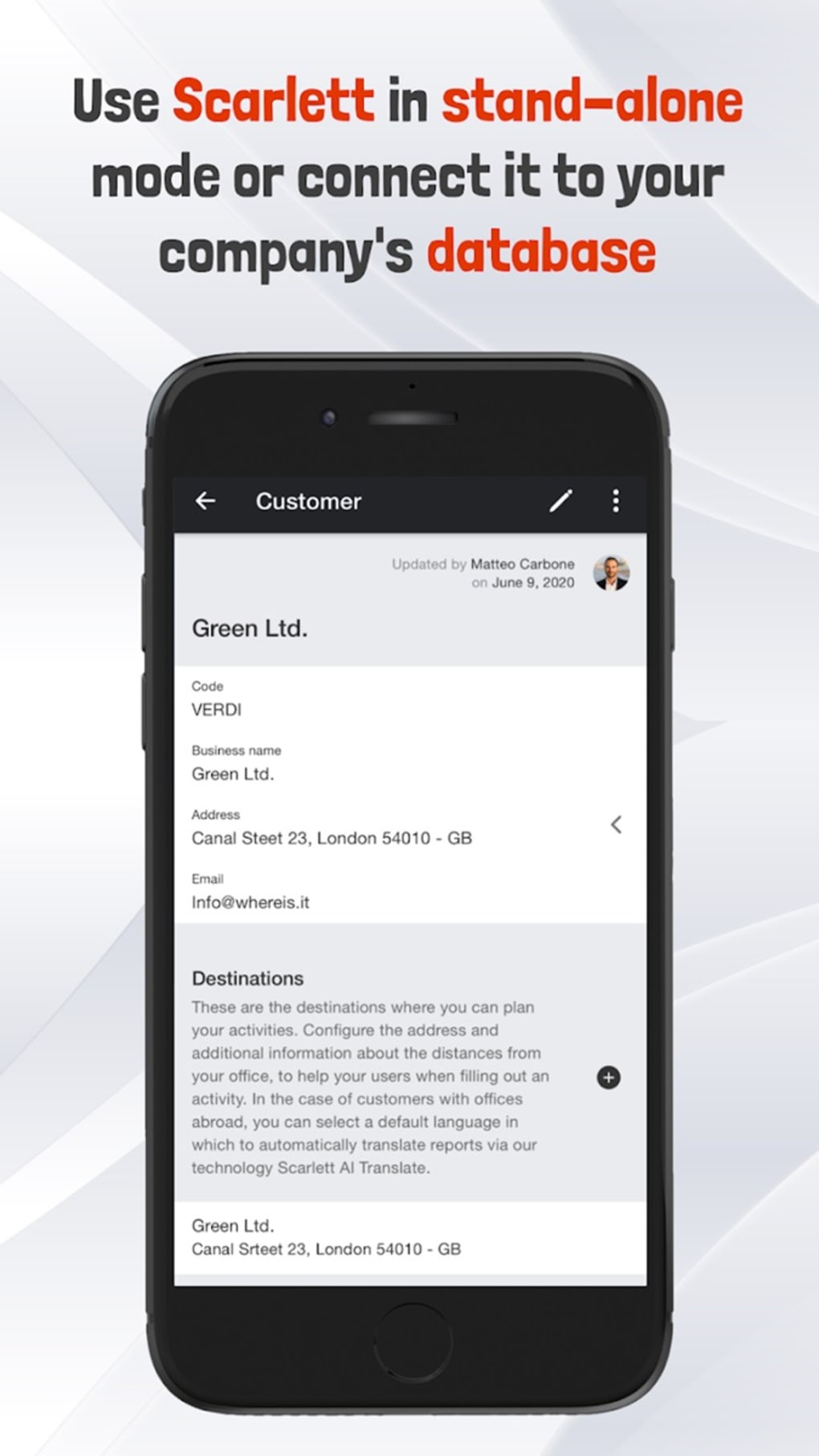
By integrating agenda and calendar functionality with advanced reporting tools, Scarlett enables users to efficiently schedule weekly tasks, generate detailed reports, and maintain a comprehensive record of completed interventions. Its ability to link various work components—such as customers, destinations, contacts, items, and projects—provides a holistic view of professional engagements. The app supports offline functionality, allowing users to create and update reports even without internet access, which is critical for fieldwork in remote or low-connectivity environments.
Additionally, Scarlett offers a searchable knowledge base that enables teams to retrieve past activities and leverage collective experience, promoting continuous improvement. The developer, Scarlett Inc., positions the app as a forward-thinking solution for organizations aiming to enhance operational efficiency through digital transformation. While the app is rich in features, the complexity may present a learning curve for users seeking simplicity.
Key Features & Capabilities
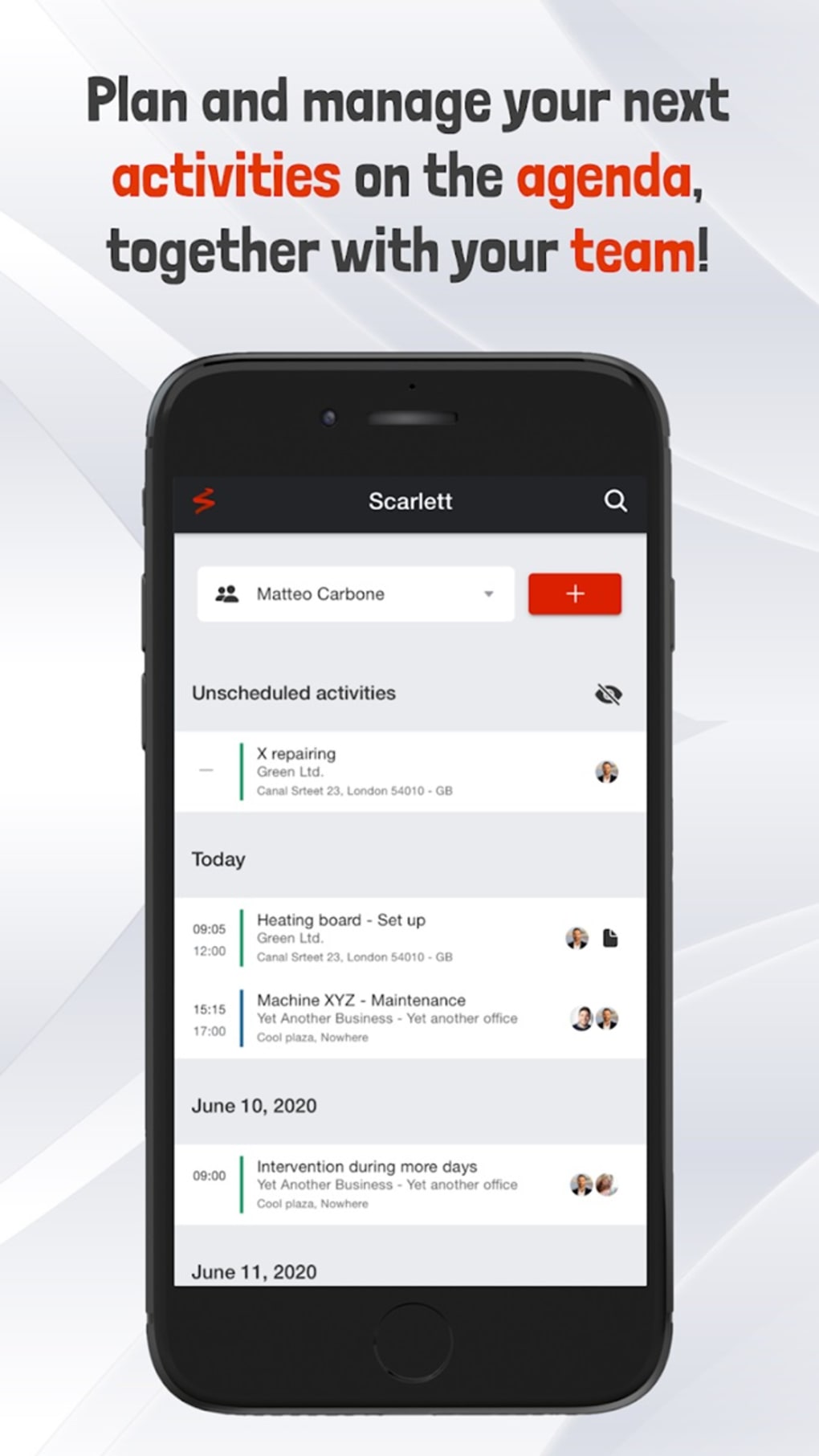
- Customizable Agendas and Calendars – Users can tailor their daily, weekly, and monthly schedules to match specific workflows, with support for recurring tasks, reminders, and time-blocking.
- Professional Activity Reporting – The app enables detailed documentation of interventions, including notes, timestamps, and status tracking, ideal for service-based professionals.
- Integration via API – Scarlett supports connections with external data sources and ERP systems, allowing seamless synchronization with existing business tools.
- Resource Attachment – Users can link images, videos, documents, and other files directly to reports for enhanced context and audit trails.
- Digital Signatures – Reports can be authenticated with digital signatures, improving compliance and professionalism in client deliverables.
- Offline Functionality – Full functionality is available without internet access, ensuring uninterrupted work during field visits or travel.
- Knowledge Base Search – A centralized repository allows users to search past activities, helping teams avoid duplication and apply proven solutions.
- Customizable Workflows – The app supports user-defined fields, templates, and activity types, enabling adaptation to diverse industries and operational models.
These features collectively support efficient workflow management, accurate reporting, and team collaboration. For example, a technician can create a report on a site visit, attach photos of equipment, sign it digitally, and later retrieve similar past cases from the knowledge base to inform future actions. Similarly, a consultant can plan client meetings, link them to specific projects, and generate standardized reports for internal or client review. The API integration capability allows organizations to connect Scarlett with their existing systems, reducing data silos and manual entry.
User Interface, Workflow & Performance
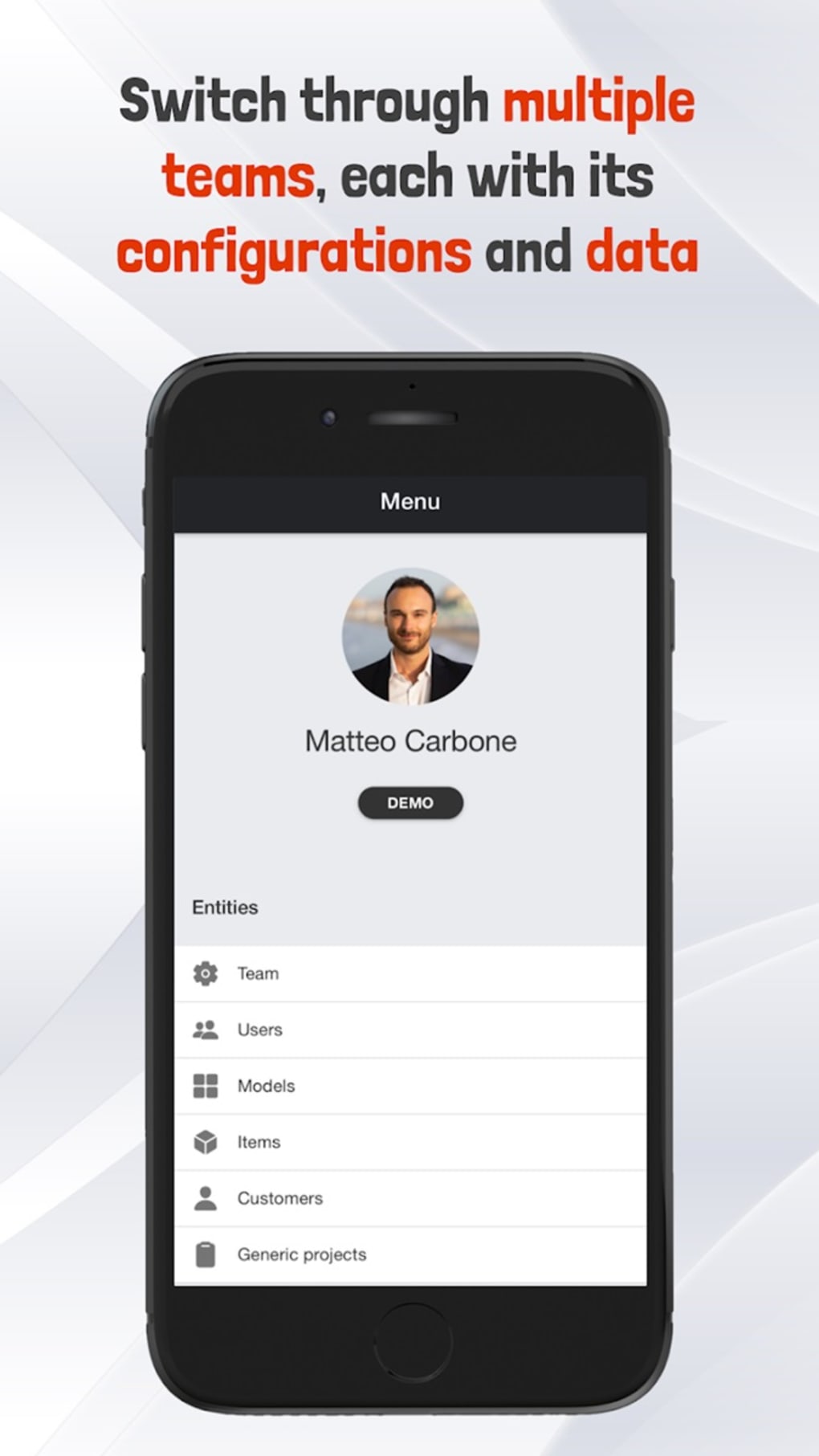
Scarlett features a clean, intuitive interface designed to balance functionality with ease of navigation. The layout organizes core functions—calendar, activity logs, reports, and settings—into clearly labeled sections, minimizing user confusion. Navigation is primarily menu-driven with a sidebar for quick access to frequently used tools, such as upcoming tasks, recent reports, and the knowledge base.
The workflow is linear and logical: users begin by scheduling activities, proceed to document interventions, attach resources, and finalize reports with digital signatures. This structure supports efficient task completion, especially for users managing multiple field visits. The app’s performance is optimized for responsiveness, with minimal lag during navigation and data entry.
However, exact performance details were not specified by the developer. The application is reported to run smoothly on both Windows and Mac platforms, though specific CPU or RAM usage information was not provided. Stability appears consistent, with no reported crashes or data loss issues.
The developer did not specify resource usage details, so users should monitor performance based on their system configuration. Overall, the interface supports both new users and experienced professionals, though the breadth of features may require some initial orientation.
Compatibility & System Requirements
Scarlett is available for both Windows and Mac operating systems, making it accessible to a broad range of users across different computing environments. The current version is 1.5.2, with a download size of 128 MB, indicating a lightweight installation. This suggests the application is optimized for efficient deployment and minimal disk space usage.
The developer did not provide additional system requirements, so users should refer to their device’s default compatibility with modern desktop applications. Exact hardware specifications, such as minimum RAM or processor speed, were not listed. Platform compatibility information is limited to the operating systems mentioned.
Users are advised to ensure their system meets standard desktop software requirements for smooth operation. The app’s offline functionality implies it does not rely on constant cloud access, which may reduce dependency on specific system configurations. For optimal performance, users should run the latest OS updates and ensure sufficient storage space for data caching and report storage.
Pros and Cons
Pros
- Free to download and use, lowering entry barriers for individuals and small teams.
- Comprehensive offline functionality ensures uninterrupted work in remote areas.
- Supports API integration for connection with external systems and ERP platforms.
- Customizable workflows and report templates adapt to diverse professional needs.
- Digital signatures enhance report authenticity and compliance.
- Searchable knowledge base enables learning from past activities and team insights.
- Lightweight installation at 128 MB with support for both Windows and Mac.
Cons
- Complex feature set may overwhelm users who prefer minimalistic tools.
- Limited documentation or onboarding materials were not specified.
- No information provided on performance under heavy workloads or large datasets.
- Customization options may require time to master for new users.
- Offline data synchronization details were not disclosed.
FAQ Section
Is Scarlett available for both Windows and Mac?
Yes, Scarlett is compatible with both Windows and Mac operating systems, providing broad accessibility across desktop platforms.
Can I use Scarlett without an internet connection?
Yes, the app supports full offline functionality, allowing users to create, edit, and save reports even without internet access.
Does Scarlett offer digital signatures for reports?
Yes, Scarlett includes digital signature functionality, enabling users to authenticate and validate reports electronically.
How does Scarlett integrate with other software?
Scarlett supports integration with external systems through API interfaces, allowing synchronization with ERP systems and other business tools.
Is Scarlett a free software?
Yes, Scarlett is available at no cost, making it accessible for individual professionals and small teams.
Final Thoughts
Scarlett stands out as a powerful, feature-rich desktop application tailored for professionals who demand precision, flexibility, and reliability in managing their work. Its combination of customizable agendas, robust reporting tools, offline capabilities, and API integration makes it a compelling choice for technicians, consultants, and field service teams. While the extensive feature set may require a learning curve, the long-term benefits in workflow efficiency, data accuracy, and team collaboration are significant.
The app’s ability to centralize activity records, support digital authentication, and build a searchable knowledge base positions it as a strategic asset for organizations committed to continuous improvement. For users who value control, customization, and offline resilience, Scarlett delivers a strong value proposition. The free pricing model further enhances its appeal.
Download Scarlett now to transform how you plan, document, and manage professional activities.





.png)

